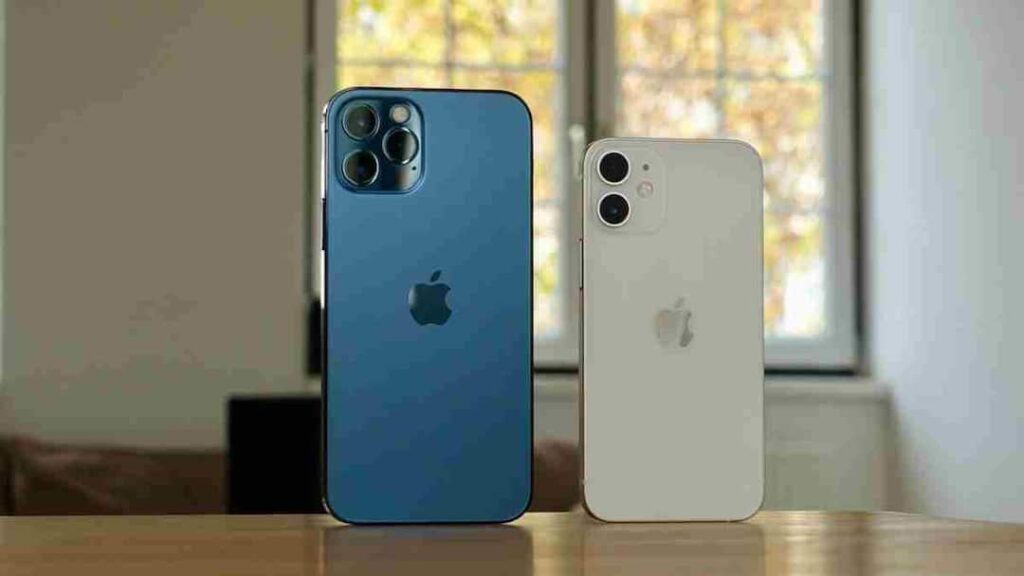

Apple iPhone: Buying a new iPhone is special for everyone, but nowadays fake iPhones are also being sold very cleverly in the market. They look exactly like the original but their performance is weak, security is not reliable and there is no official support from Apple. If you are buying an iPhone online or from a shop, then it is very important to check its authenticity so that you can avoid fraud.
Identify instantly by IMEI number
The easiest way is to check the IMEI number. Dial *#06# in your phone, IMEI number will appear on the screen. After this, go to the official website of Apple and enter this number and check. If the number appears wrong or unknown then understand that the phone may be suspicious.
Confirm with serial number
Go to the phone’s settings and see the serial number in General > About. Verify this number by entering it on Apple’s Check Coverage website. If no information is found there or an error occurs, then it may be a fake or unregistered device.
Recognize the difference from the operating system
The original iPhone always runs on iOS which is Apple’s own software. Fake phones are often on Android but are made to look like iOS. To identify it, open the App Store. If Google Play Store is visible then the phone is not genuine.
Pay attention to build quality
The original iPhone has a premium finish, a strong metal and glass body, precise design and well-placed buttons. At the same time, loose buttons, poor finishing and a slight cheap feeling can be found in fake phones.
Confirm from App Store
The original iPhone has only Apple’s App Store. If any other app store like Google Play is visible on the phone, then it is a clear indication that the device is fake. Apart from this, connect your iPhone to the computer via USB and open iTunes or Finder. A genuine iPhone is immediately recognized while counterfeit devices often do not connect or are detected properly.
See also Siri, price and packaging
Turn on Siri by pressing the power button. If this doesn’t work then you should be suspicious. Also, an iPhone available at a very low price can also be a danger sign. Also pay attention to the quality of the packaging, box and accessories as genuine Apple products always come with premium packing.
Also read:
What was it like 20-30 or 50 years ago where you live? Learn how to time travel