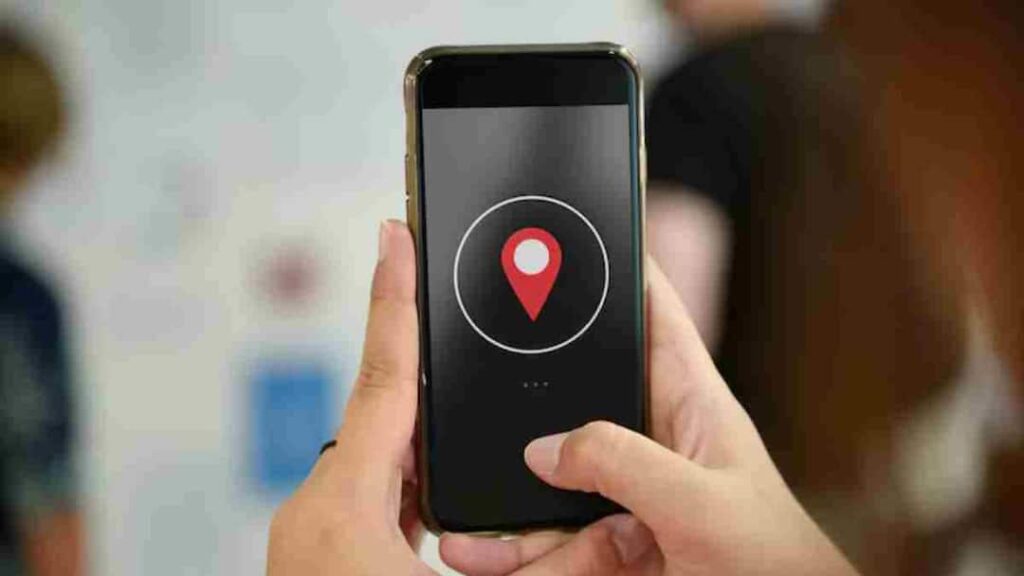

- Find My Device helps locate a lost phone.
- To track the phone, Google account, internet, location are required.
- See phone location on map, ring even in silent mode.
- Keep personal information safe by locking your phone or deleting data.
Find My Device: In today’s digital era, smartphone is not just a gadget but has become an important part of our identity, work and personal life. In such a situation, if the phone is lost or stolen, it is natural to feel nervous. But the good thing is that now technology has advanced so much that you can easily find your lost phone. Find My Device is one such special feature which helps you in this difficult time.
What is Find My Device and how does it work?
Google’s Find My Device is a tool that helps in tracking the location of your smartphone. This feature works with the help of your phone’s GPS, Internet and Google account. As soon as your phone goes online, you can see its live location.
What needs to happen to find the phone?
There are some necessary conditions to use this feature. First of all, you should have Google account login in your phone. Apart from this, it is necessary for the phone to have internet and location on. If these things are active then tracking the phone becomes very easy.
How to track lost phone
If your phone is lost, first open the Find My Device website or app from another device. After this login with your Google account. As soon as you login, you will start seeing the location of your phone on the map. If you want, you can also make the phone ring loudly so that it becomes easier to find it when you are nearby. The special thing is that this ring rings even in silent mode.
What to do to keep data secure?
If you feel that it is difficult to get the phone back, then you can also lock your phone with the help of this feature. With this, no other person will be able to access your data. If needed, you can also remotely delete the entire data of your phone so that your personal information remains safe.
What things should be kept in mind?
Find My Device works only when the phone is on and connected to the internet. If the phone is switched off then the last location is visible. Therefore, it is always better to keep location and internet on in the phone. Additionally, keep your Google account password secure and keep two-step verification on so that no one can misuse your information.
Also read:
alarm! Government has issued high security alert for these users, know the reason