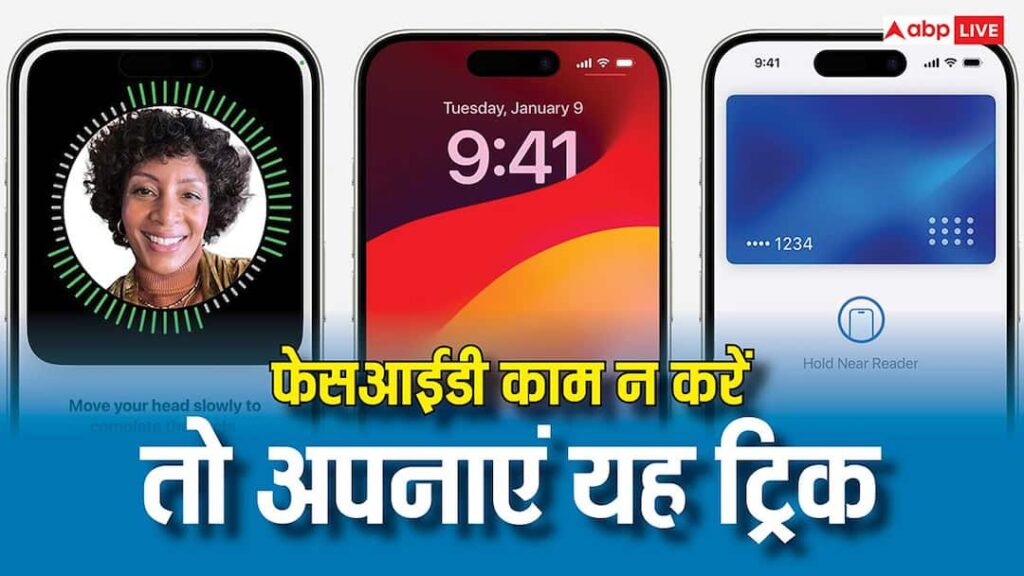

Many users face difficulty in unlocking iPhone with Face ID. Many times FaceID works perfectly, but even after trying several times the iPhone does not unlock. Usually such problems arise due to change in the appearance of the user, lighting conditions or the angle of the iPhone. If you are also facing such problem then there is no need to take tension. There is an option in iPhone by which this kind of problem can be solved in a jiffy.
This setting will help you
There is a setting in iPhone called Alternate Appearance. With its help, you can make Face ID absolutely reliable and will be able to unlock the phone and apps with any lighting condition or appearance. This setting is especially useful for those people whose appearance keeps changing due to makeup, glasses, facial hair etc.
How does Alternate Appearance work?
When you’re setting up FaceID for the first time, the iPhone creates your facial map in a single scan. In Alternate Appearance, the system scans your face again in different conditions, due to which it has more facial data and can easily recognize you even after slight changes in appearance or from different angles. No other user can unlock your phone by taking advantage of this feature. Apple says it’s designed for different variations of the same person.
How to enable alternate appearance?
To enable this feature, go to Settings app and open Face ID & Password. After this, scroll down and go to the option of Setup an Alternate Appearance. Face ID scan will be done here. Keep following the prompts on the screen and your alternate appearance will be setup.
Read this also-
Tired of slow internet? Do these 2 things on Android phone, speed will be like rocket