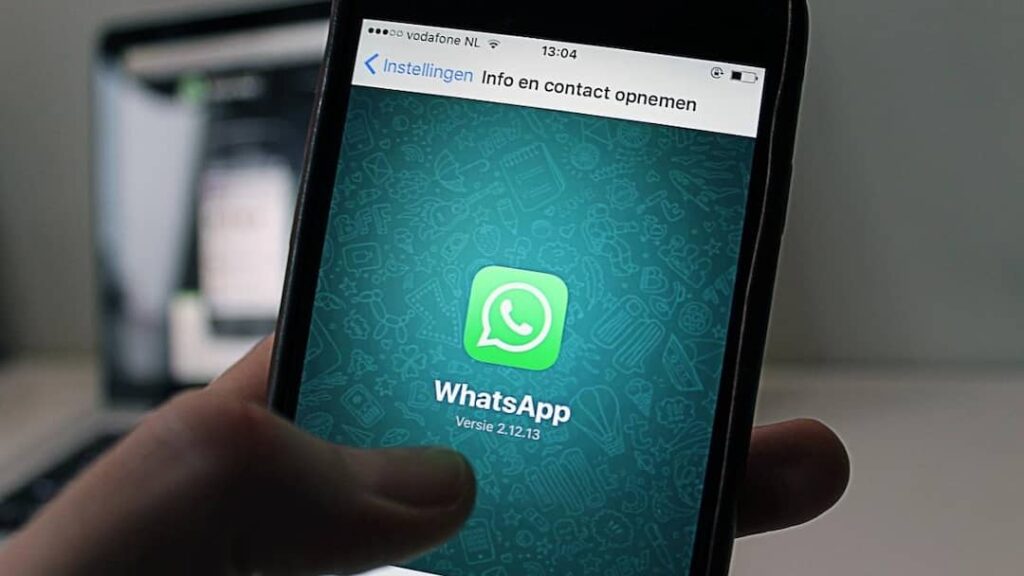

- Record WhatsApp call with screen recorder in Android phone.
- Use third-party apps if there is no inbuilt feature.
- iPhone users, record from MacBook or other device.
- Be sure to take permission before recording a call.
WhatsApp Tips: In today’s time, WhatsApp is no longer just a chatting app but people have also started using it for office meetings, online interviews, family conversations and important discussions. Many times such a situation arises when we feel the need to record a WhatsApp call so that the important information can be heard again later.
But the surprising thing is that most people do not know how to record WhatsApp calls. Although Call Recording feature is not directly available in WhatsApp, you can do this work with the help of some easy methods.
How to record WhatsApp call in Android phone
If you use an Android smartphone then it can be very easy for you to record WhatsApp calls. Screen Recorder feature is already present in many smartphones. For this, first of all turn on Screen Recorder in the phone. Before starting the recording, make sure that the Record Audio option is active. After this make or receive a WhatsApp call. After the call ends, the recording will be automatically saved in the gallery. Internal audio is not recorded in some phones, so you may have to record the call by turning on the speaker.
Third party apps are also useful
If the inbuilt recording feature in your phone does not work properly then you can also use some call recording apps available on Play Store. These apps provide the facility to record both screen and audio. However, before downloading any app, please check its privacy policy and permissions. Many fake apps can access your personal information.
What is the method for iPhone users?
Recording WhatsApp calls in iPhone is considered a bit difficult because Apple is very strict regarding security. Still, iPhone users can record calls with the help of MacBook. Apart from this, some people also adopt the method of recording calls on speaker mode from other devices. However, the audio quality may be slightly reduced.
Keep these things in mind while recording calls
Recording any person’s call without his permission can be considered legally wrong in many places. Therefore, always record calls only in necessary and safe circumstances.
Also, recorded files may contain your personal information, so it is very important to keep them safe. If the phone falls into someone else’s hands, your recordings may be misused.
Also read:
Is your Smartphone Charger real or fake? These 5 signs will tell whether the battery is in danger or not