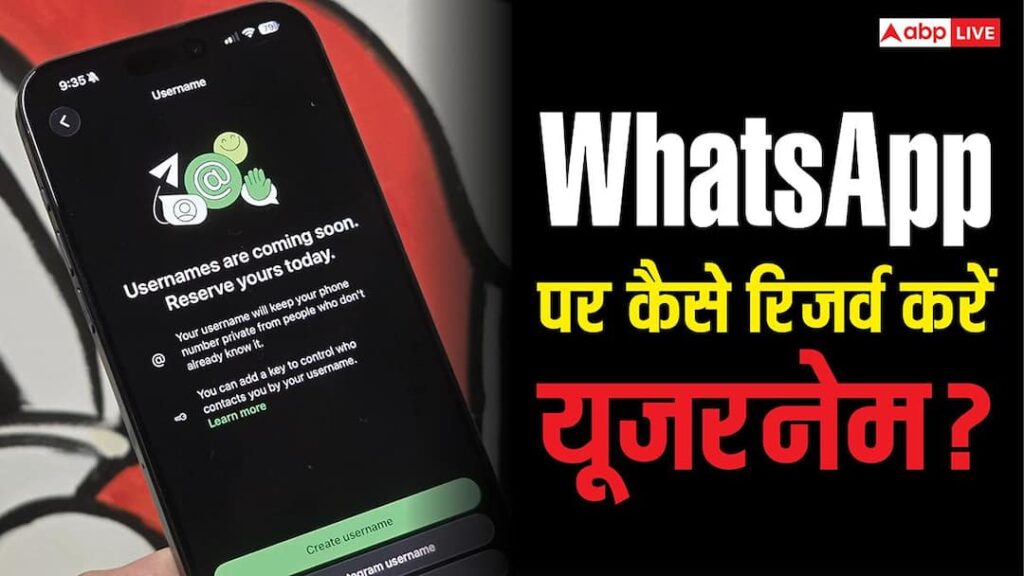

- Username came on WhatsApp, now phone number is not necessary.
- Feature rollout gradually; Update WhatsApp if not found.
- Reserve a username in Settings; Follow these suggestions to make it unique.
WhatsApp Username: Username feature has arrived on Meta’s messaging platform WhatsApp. The advantage of this will be that now you will not have to give your phone number to connect with someone and your username will suffice. Please note that this feature has not been fully rolled out yet. Only the process of reserving the username has started. Many people have reserved their username, while this option is not available on many others’ accounts. Let us know what is the method for such people and how the username of their choice can be reserved.
If you do not see the option to reserve your username then do this
The username reservation process will continue to be rolled out throughout the week. This is the reason why this option has come in the accounts of some users, while some have to wait. If this option is not available in your account then update WhatsApp. WhatsApp says that if a user does not see this option then he should keep checking the app. It will be rolled out to all users in a phased manner.
How to reserve a username?
The method of reserving a username on WhatsApp is very easy. For this, open the app and go to Settings and tap on the account section visible here. Here you will see the option of username. In this you can reserve your username. Keep in mind that no two usernames can be set the same.
How to choose your favorite username?
Many users are facing problems while setting username on WhatsApp. Users with common names are especially facing this problem. Actually, due to security reasons, WhatsApp has given the option to set a unique name for only one user. Due to this, many people are not able to set the username of their choice. If you are also struggling with this problem then some tricks may help you. You can set your username by adding numbers, dots, underscores etc. to your name. Apart from this, you can also create your username by adding letters like Profession or Official, Iam, OG, Real in front of the name as a prefix. If this method is not working, then you can also set your Instagram or Facebook username as WhatsApp username.
Read this also-
The hassle of scanning QR Code will be eliminated, now you will be able to run WhatsApp easily on laptop.