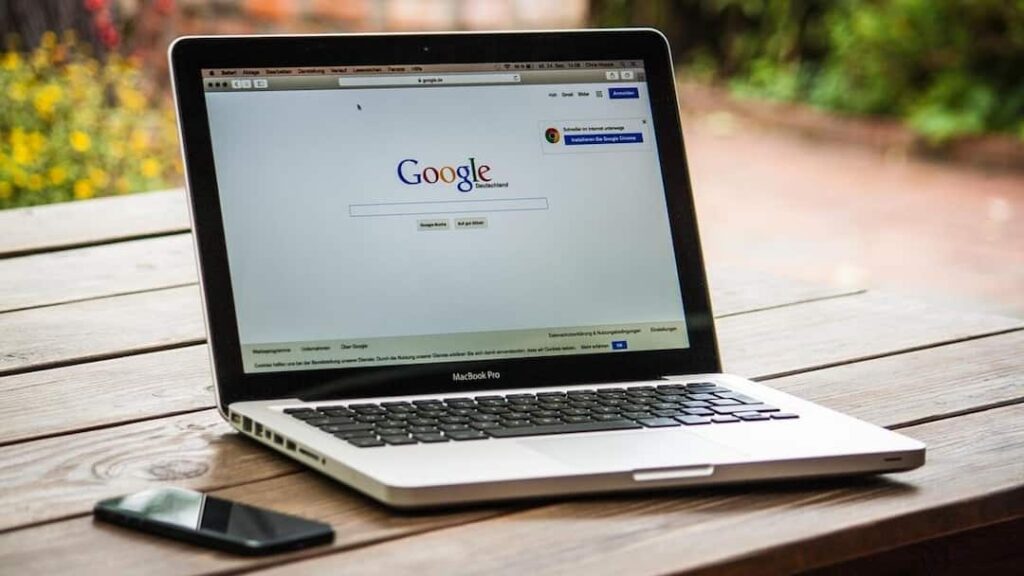

- Choose a new laptop if repairs are needed frequently.
Laptop: In the digital world, laptop has also become a necessity for people today. Be it working in an office or working from home or being a student, laptop is a device which is useful for everyone. But even the laptop does not always work. Yes, in fact, just like a smartphone, a laptop can also stop working after some time. Also, people often have a question whether laptops also have an expiry date. Today in this episode we are going to tell you when you will need to replace your laptop.
Stop receiving updates
For your information, let us tell you that often new operating systems and software do not work properly in old laptops. Many companies also stop providing security updates for older models. In such a situation, the risk of data security may also increase. If your laptop is not supporting the required updates then you should replace the laptop.
Battery runs out quickly
Let us tell you that with time the battery power of every laptop reduces. If your laptop gets discharged within a few minutes or has to be used always connected to the charger, then first look for the option of changing the battery. But if the battery as well as other hardware has become old then it may make more sense to buy a new laptop.
When to buy a new laptop
For your information, let us tell you that if your laptop has become slower than before, hangs repeatedly or takes a lot of time to start, then it is a sign that the hardware of the system has become outdated. Sometimes upgrading RAM or SSD solves the problem, but if there is no improvement in performance even after this, then you should consider buying a new laptop.
There is a need for frequent repairs
Not only this, if the laptop is repeatedly facing problems related to keyboard, screen, motherboard or other hardware and you have to spend money on repairs every few months, then you should buy a new laptop instead of repairing it again and again.
How to run laptop for a long time
Now if you also want to increase the life of your laptop, then keep some important things in mind. For this you should clean the system from time to time. Delete unnecessary files, keep your software updated, use a reliable antivirus, and keep your laptop from overheating. Not only this, by upgrading SSD and RAM, a good improvement can be seen in the speed of many old laptops.
Also read:
These 5 big lies spread about phone charging! Even today millions of people are believing